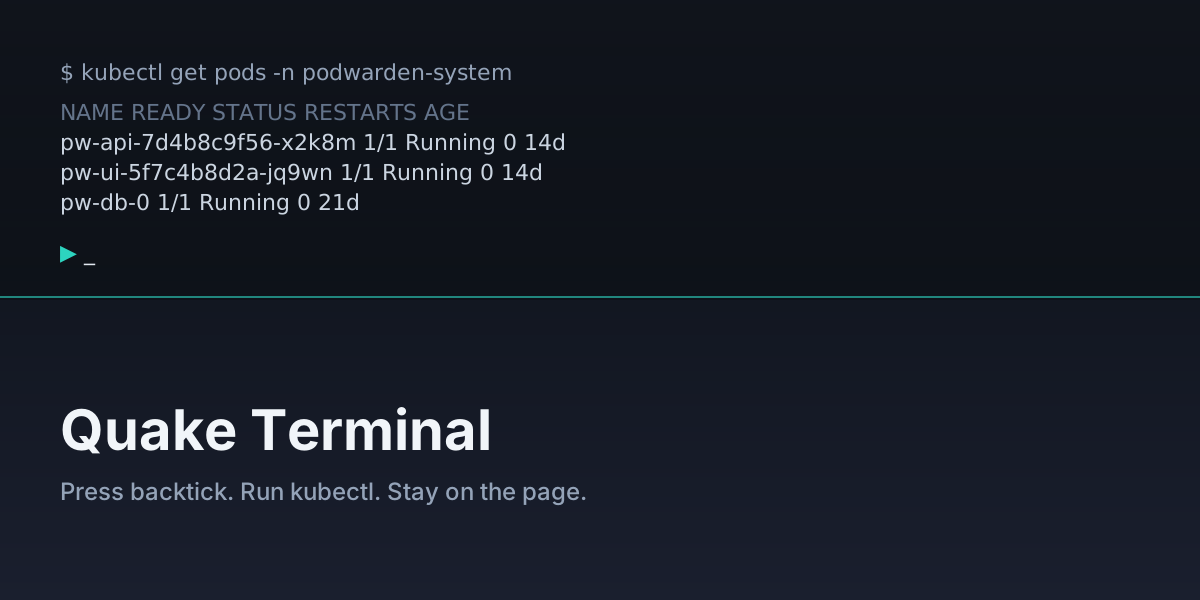
We just shipped the Quake Terminal — an admin-only overlay that drops down
from the top of the PodWarden UI when you press the backtick key (`).
It is a place to run quick commands without leaving the page you are on.
The overlay accepts three categories of input:
- Slash commands —
/help,/clear,/system on|off,/use <cluster_id>. pwhelpers —pw clusters,pw apps,pw doctor <host>, backed by the same data the UI reads.kubectl— anykubectlinvocation, routed to the cluster in the current page URL or pinned with/use. Output streams over SSE; Ctrl+C cancels.
System events from the backend Kubernetes client appear interleaved between command blocks as dimmed lines, so you can correlate what the UI is doing with what the API server sees.
Why we built it
A lot of operator workflows still bottom out in kubectl get / kubectl describe / kubectl logs. Those are fine but they require switching to a
shell, finding the right kubeconfig, and re-establishing the cluster context
you already had open in the browser. For routine spot checks the friction
adds up. The Quake Terminal collapses that loop into a keystroke.
Enabling it
The terminal is off by default. An admin enables it from
Settings → System → Quake Terminal. The flag and the admin role are
checked independently on both the backend and the frontend, so non-admins
see no overlay, no DOM, and no keyboard listener. There is no shell branch:
slash commands match a fixed dispatch table, kubectl arguments are split
as tokens (no |, >, ;, &&), and commands are capped at 4096
characters.
Read more
The full reference — every command, every shortcut, the security model, and the pieces explicitly deferred to the next iteration (per-command RBAC, audit-DB persistence, rate limiting, MCP exposure) — lives in the user manual:
Quake Terminal in the user manual
What is next
The terminal lands as Approach A — minimum viable. The seams for Approach C are in place but not wired: per-command RBAC, audit-DB persistence, rate limiting, resource-aware autocomplete, and MCP integration. We are also planning a unified audit / event-log subsystem that will eventually capture every operator command — terminal, MCP tool call, doctor execution, key issuance — into one searchable stream.